
A dispatcher's morning
The busywork is burying the planning.
01
Re-typing every BOL
Stops, references and weights copied by hand into a spreadsheet.
02
A day lived on the phone
“Where are you?” calls to every driver, every few hours.
03
Who is open? Nobody can say
Load status lives in chat threads, not in one shared board.
Dispatch
Five jobs VAX takes off your plate.
01Start a load from a BOL
Import the BOL and the load record fills from it.
02Your whole fleet on one board
Filter the queue by unassigned, assigned or in transit; whole-fleet or my drivers.
03Assign driver and truck
Assign from the queue; the trip lands in the driver app.
04Work the exception queue
Overdue and at-risk loads surface in their own queue.
05Drivers update each stop
Arrived, loaded, delivered — and BOL/POD scanned from the cab.
VAX-1042
In transitLos Angeles → Dallas
M. Lopez · T-112 · 1,435 mi
Pickup · Los Angeles, CA
Loaded · BOL scanned
In transit · I-10 E
Driver stop updates
Delivery · Dallas, TX
Next stop
In transit
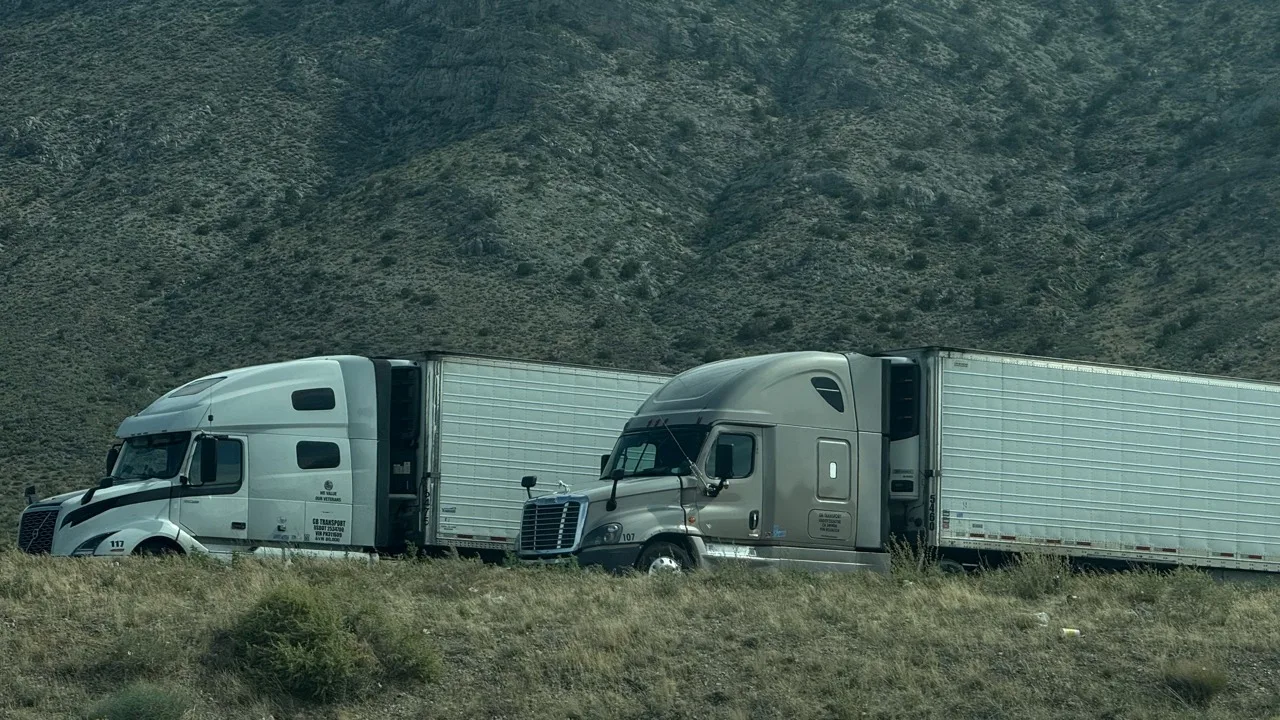
The office and the road, working the same load.
Queue, map and paperwork in one place for dispatch — while the truck and trailer are out on the highway.
The load lifecycle
One load moves through four clear steps.
01
Assign
Pick the driver and truck from the board.
02
Dispatch
The trip goes to the driver app with every stop.
03
Execute
Stop-by-stop updates and scanned paperwork come back to the load.
04
Bill
A delivered load becomes an invoice draft for confirmation.
Demo case · sample data
One load, Los Angeles → Dallas.
01
BOL linked & checked
BOL imported, matched to the load and checked.
02
Dispatch
Driver and truck assigned; trip sent to the app.
03
Pickup · in transit · exceptions
Stop updates come back; delays go to the exception queue.
04
POD
POD scanned from the cab onto the same load.
05
Invoice check
Invoice draft confirmed by an authorized person.
06
Operating summary
Revenue, cost and pay already recorded on the load, calculated deterministically and traceable to each record.
Demo numbers
- Rate
- $4,200
- Driver pay
- − $1,400
- Fuel
- − $850
- Other direct costs
- − $250
- Load contribution
- $1,700
Demo values, not real results. The operating summary is calculated deterministically from the revenue, cost and pay recorded on the load, and every line traces back to its record. Load contribution is before fixed costs — it is not net profit.
Documents & invoicing
From POD to invoice, without retyping.
BOL and POD stay attached to the load. When it's delivered, VAX prepares an internal invoice draft; an authorized person confirms it, and the invoice detail stays linked to the original load.
Sending invoices to customers and collecting payment stay in your existing process.
- Delivered
- POD received
- Draft prepared
- 4Authorized confirm
BOL
Scanned at pickup · 2 pages
POD
Signed at delivery · photo
Invoice draft
Prepared from the load record
Invoice draft · Dallas → Los Angeles
$3,850.00 sample
Illustration only — nothing is sent or paid here.
The driver taps once. Dispatch sees it.
Stop updates, scanned documents and pay statements live in the driver app — connected to the same load record.
M. Lopez
Driver · T-112
Current tripVAX-1042
Los Angeles → Dallas
Next: Delivery · Dallas, TX
Scan BOL / POD
Report issue

Little V
Ask about your trip, pay or weather
FSO · AI-assisted fleet operations
From one load to the whole fleet, Little V runs operations together.
VAX Fleet links order/BOL, dispatch, the driver accepting, pickup, in-transit events and GPS, delivery/POD, revenue, cost and pay, and receivables follow-up into one operating chain. Each fleet has its own AI hub with one business state; Little V for each role works around the same load, so nobody retypes it and nobody keeps chasing the same question.
- 01Order / BOL
- 02Dispatch
- 03Driver accepts
- 04Pickup
- 05In-transit events & GPS
- 06Delivery / POD
- 07Revenue · cost · pay
- 08Receivables follow-up
Money figures come from the records and deterministic calculation, not from AI guesses. A pickup, a delivery or a payment counts as done only with real evidence — a POD, a status event, a bank record. Devices and external connections are set up to match each fleet's actual configuration. Web and mobile read and write the same state.
Owner's Little V
Gives whole-fleet suggestions and takes the owner's instructions, then hands each task down the management chain to dispatch, billing or the fleet manager.
Department Little V
Helps dispatch, billing and the fleet manager do their own work: prepare assignments, check invoice drafts, keep truck and driver files current.
Driver's Little V
Organizes the driver's feedback and routes it to the right role; a task helper and a companion on the road.
In Standard the owner works through the team: instructions go owner → departments → drivers, never around dispatch straight to a driver. Lite, where one person holds every role, is explained on its own page.
FSO levels: how much work is delegated to Little V
These are digital-operations delegation levels — not vehicle self-driving levels. L3–L5 require an application, assessment, testing and approval; they are not on by default and are not a certification.
- L0
People operate directly
Staff work the system themselves.
- L1
AI understands information
Little V reads documents and records and sums them up.
- L2Default today
Executes a person's specific instruction
Current default: Little V prepares, a person confirms, then it runs. Unconfirmed items stay pending.
- L3
Owns one delegated task
Keeps carrying one clearly bounded delegation.
- L4
Decides within one type of duty
Judges and acts inside one duty, within limits.
- L5
Coordinates duties toward long-term goals
Coordinates several duties within long-term goals.
Vehicle files
Every truck has one profile.
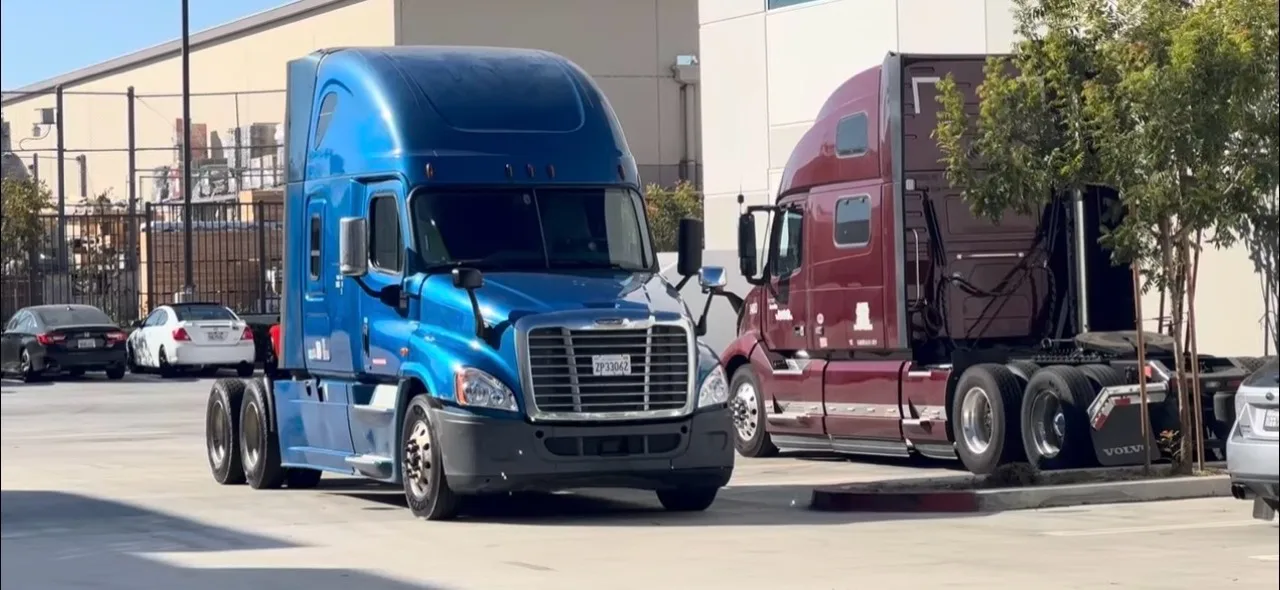
Units, trailers and their documents live in the same system dispatch assigns from.
Part of VAX Carrier TMS