
The load in your driver's pocket.
The mobile workbench of the fleet system: accepting trips, stops and paperwork stay linked with the web console the office uses — the phone is not a separate island. Pay statements and Little V in Chinese or English are here too.
M. Lopez
Driver · T-112
Current tripVAX-1042
Los Angeles → Dallas
Next: Delivery · Dallas, TX
Scan BOL / POD
Report issue

Little V
Ask about your trip, pay or weather
Real Web / Android screenshots · demo data · captured Oct 6, 2026
Everything a driver needs. Nothing they don't.
Trip assignments
Drivers see the active load and accept it in the app.
Stop-by-stop updates
Arrived, loaded, delivered — one tap per stop.
Scan BOL & POD
Paperwork goes straight to the load record.
Pay statements
Drivers look up their own pay statements.
Roadside reports
Report an incident with photos and location.
Messages
Fleet messages and reminders in one inbox.
Little V · AI Operations Assistant
Your assistant in the cab, connected to the fleet.
Little V works from your assigned trips: it lines up the next stop and paperwork, takes your updates to the right person at the fleet, and keeps you company on the road. This is how drivers use it:
Natural voice or text
Talk or type in Chinese or English; Little V answers out loud or on screen.
Follows the conversation
Ask a follow-up without repeating yourself.
Trip and pay questions
Ask about your trip, stops or pay statement from your own records.
Time and weather
Current local time and the weather where you are.
Permissions & data
The public carrier directory uses only official FMCSA public records. A fleet's own loads, drivers and documents are private, isolated per company, and shown only to people that company's roles allow. Platform-level totals are not public data and are not published here.

Little V
AI Operations Assistant
Little V
AI operations assistant
What needs attention today?
Here's today's summary:
- 1unassigned load — VAX-1045 needs a driver
- 1POD pending — VAX-1041
- 3loads in transit, none flagged late
Important decisions are yours to confirm.
Illustration with sample data — not connected to your records.
Little V for drivers
You drive. Little V keeps the fleet in the loop.
Knows your trip
Little V knows the trips you are assigned and organizes your tasks, stops and important reminders.
Passes it on for you
Tell Little V how the run is going; it organizes your update and sends it to the right person at the fleet. Changes go back onto the same load.
Helper and company
A work helper during the job and company on the road.
Ordinary chat is not kept as a business record.
How Little V works with the fleet →After the haul
Truck stopped, POD back on the same record.
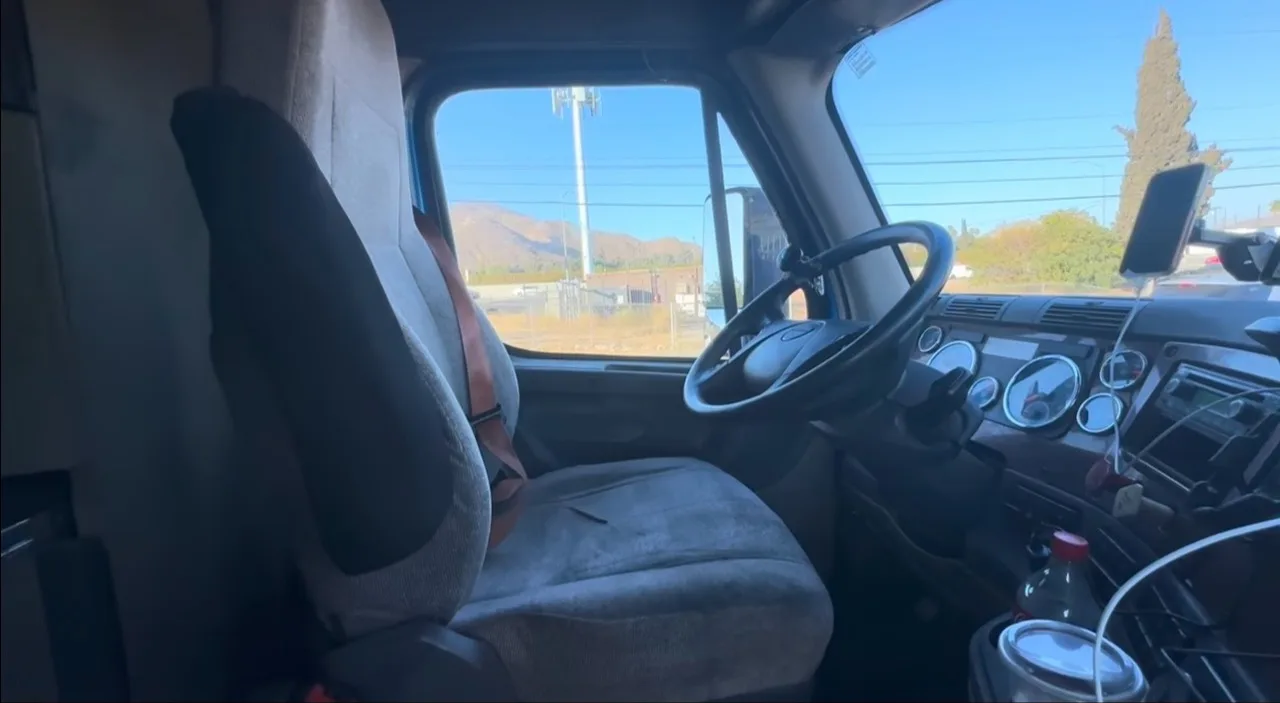
The driver app is used from the cab once the truck is stopped: check the trip, scan the paperwork, ask Little V a question.
A conversation with Little V
Start, ask, follow up, end.
01
Start
The driver opens a session when they want to talk.
02
Ask
Voice or text, Chinese or English.
03
Follow up
Little V keeps the context of the conversation.
04
Pause or end
The driver stays in control of the session.